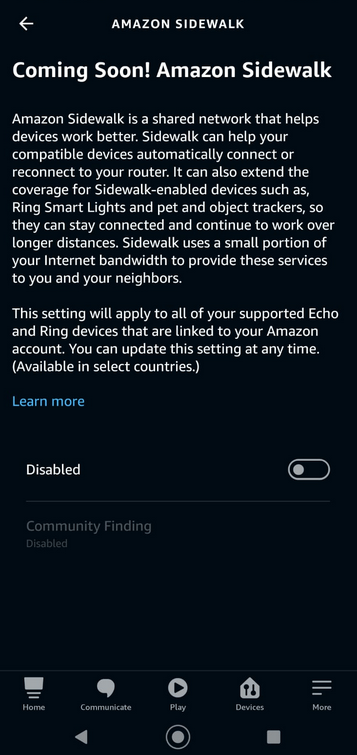
So you want to turn off the amazon sidewalk function? Here is how.
Open the alexa app and click on the ‘More’ link in the lower right corner. Then click settings –> Account Settings.
And there you will see Amazon Sidewalk. Tap it and you will go to the Sidewalk settings.
A bunch of text telling you about Amazon Sidewalk functionality. Just scroll down and Disable Amazon Sidewalk. It’s that easy.